AI Prompts in Power Automate: Summarize, Classify and Extract With Guardrails
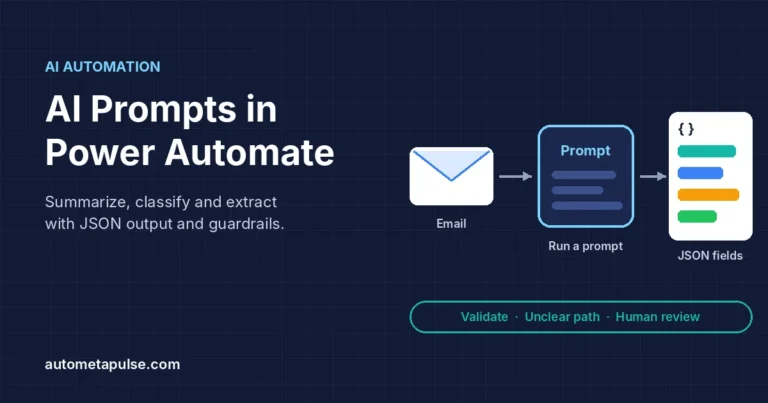
Use AI prompts in Power Automate to summarize, classify and extract data with the Run a prompt action, JSON output, validation and human review guardrails.
Explore practical tutorials, implementation notes, and automation guides in this topic.
Use AI prompts in Power Automate to summarize, classify and extract data with the Run a prompt action, JSON output, validation and human review guardrails.
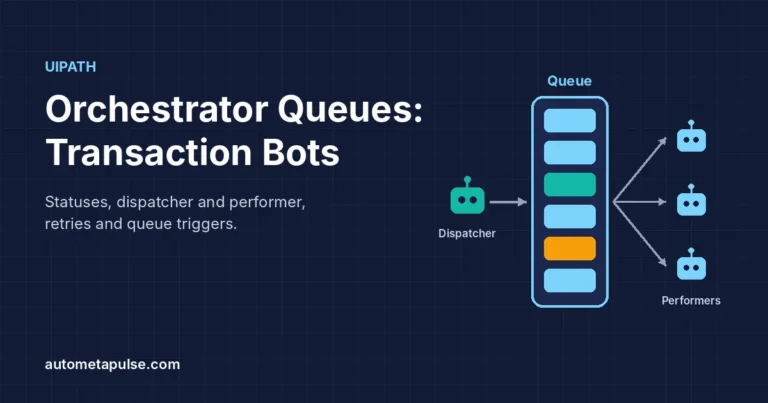
Learn how UiPath Orchestrator queues work: item statuses, dispatcher and performer design, auto retry, unique references and queue triggers, step by step.
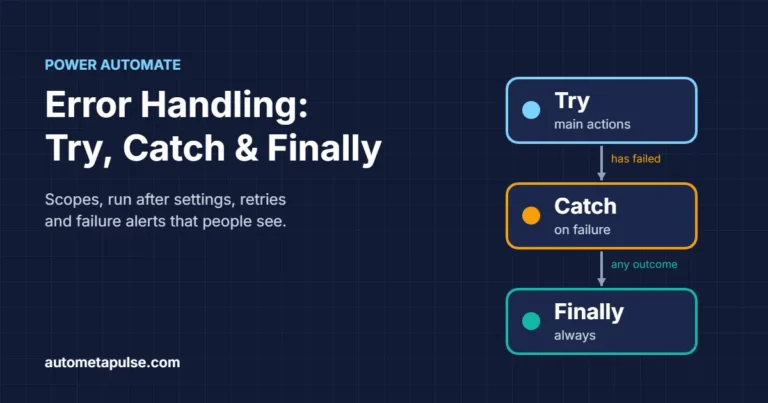
Learn Power Automate error handling with Try, Catch and Finally scopes, Configure run after, retry policies, result() and failure alerts, step by step.
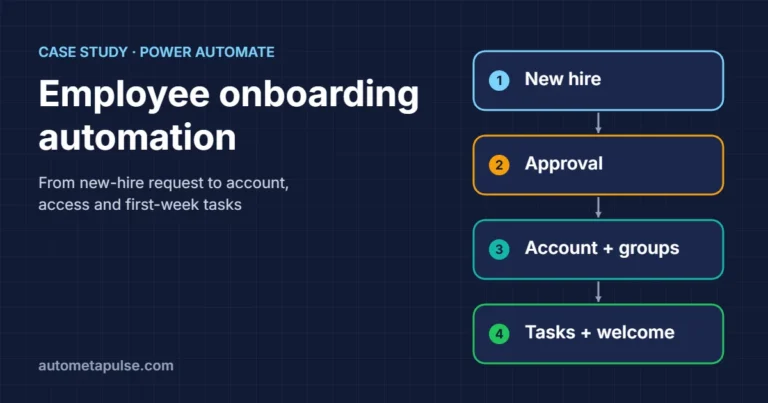
Illustrative case study: automate employee onboarding with Power Automate, from new-hire request and approval to Entra account, groups, tasks and welcome.
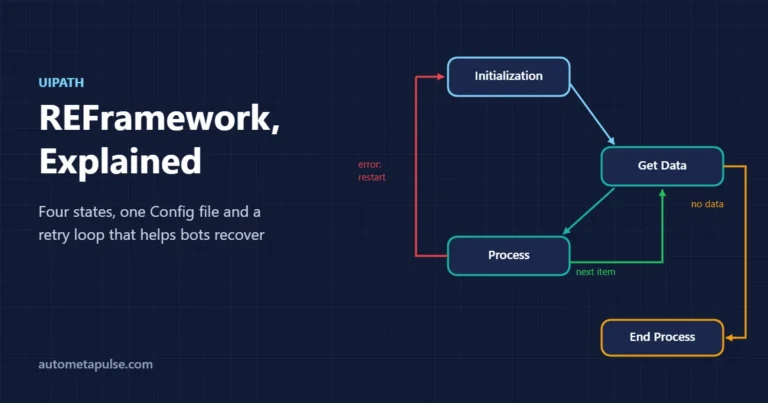
Learn how the UiPath REFramework works: its four states, the Config file, business vs system exceptions, and how to set up retries with Orchestrator queues.
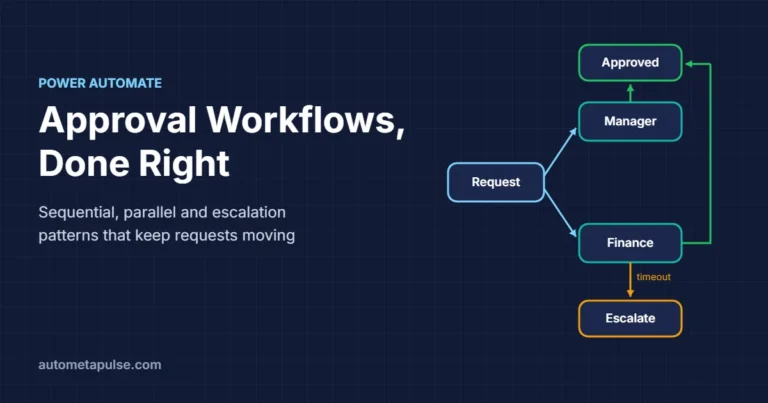
Build a Power Automate approval workflow: choose the right approval type, set up sequential and parallel approvals, and add timeouts and escalation.
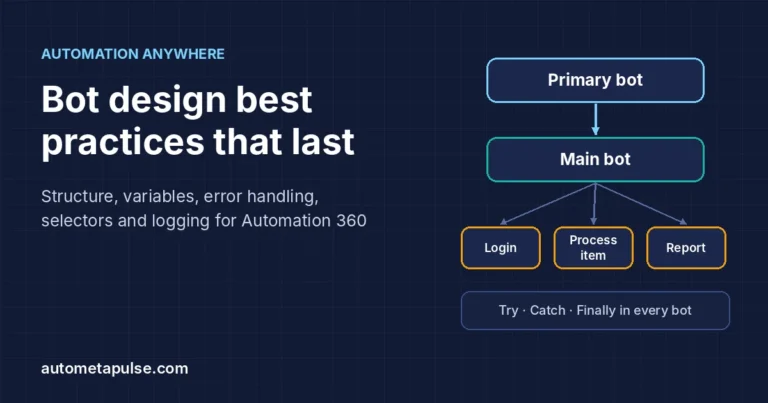
Automation Anywhere best practices for maintainable bots: Primary/Main/Sub structure, Credential Vault, Try/Catch/Finally, stable selectors, naming and logging.
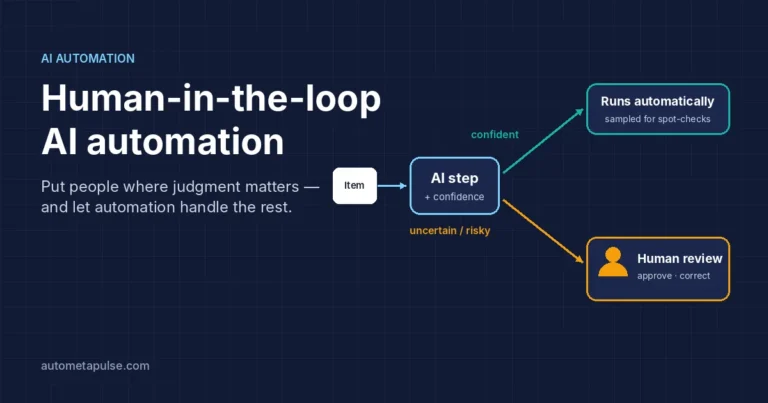
Where should people review AI decisions? A practical risk × confidence guide to human-in-the-loop automation in Power Automate, UiPath and Automation Anywhere.
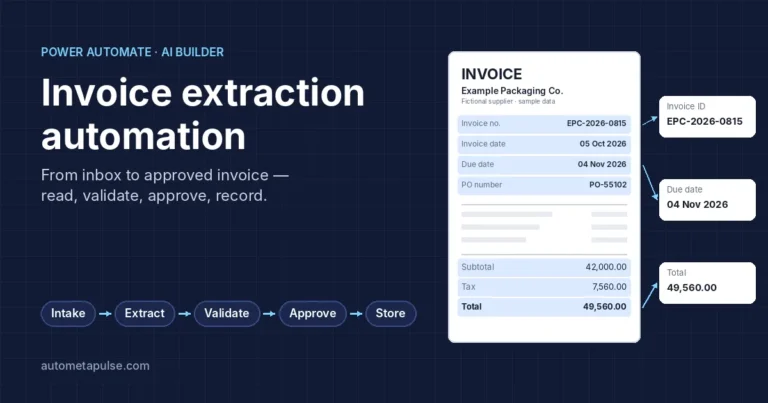
Power Automate invoice processing lets a cloud flow pick up each invoice as it arrives, read its key fields with AI Builder, check them against your rules, and…